27-inch monitor

27-inch monitor measures 600.0mm × 340.0mm × 60.0mm. It weighs about 0.0g.
Dimensions
| Length | 600.0 mm |
|---|---|
| Width | 340.0 mm |
| Height | 60.0 mm |
| Weight | 0.0 g |
27-inch monitor
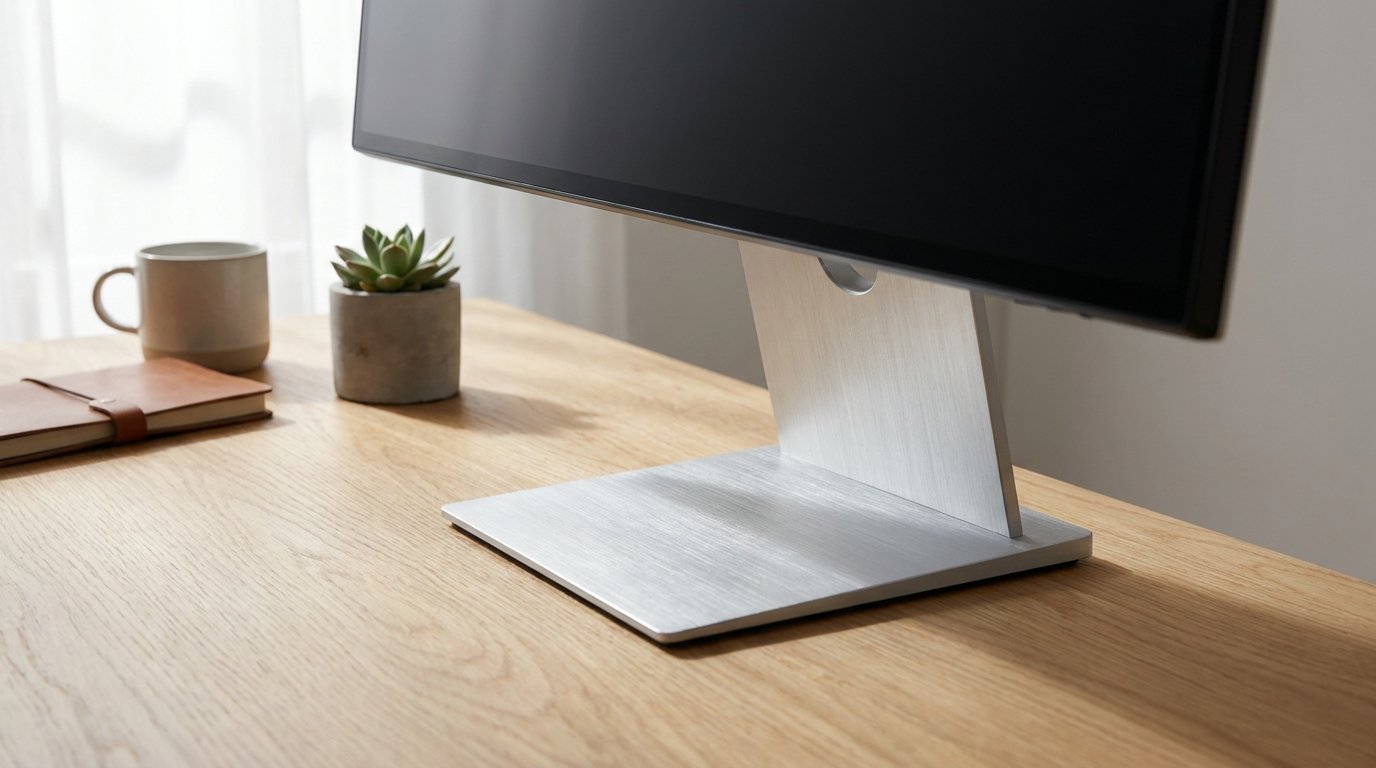
A 27-inch monitor has a diagonal screen measurement of 27 inches (68.6 cm). For a standard 16:9 widescreen model, the visible screen area works out to about 23.5 inches (59.7 cm) wide and 13.2 inches (33.5 cm) tall. This page covers the exact screen dimensions, common resolutions, and how a 27-inch monitor compares to other sizes.
Dimensions
| Measurement | Inches | Centimeters |
|---|---|---|
| Diagonal | 27.0 | 68.6 |
| Width (16:9) | 23.5 | 59.7 |
| Height (16:9) | 13.2 | 33.5 |
How screen size is measured
Like all monitors, the 27-inch measurement refers to the diagonal of the visible screen area, excluding the bezel. This size sits at the sweet spot many buyers choose, since it is large enough to feel immersive without needing a resolution bump to stay sharp.
Common resolutions at 27 inches
| Resolution | Name | Pixels per inch |
|---|---|---|
| 1920 x 1080 | Full HD | 82 |
| 2560 x 1440 | QHD | 109 |
| 3840 x 2160 | 4K UHD | 163 |
2560 x 1440 (QHD) is widely considered the ideal resolution for a 27-inch screen, offering noticeably sharper text and images than Full HD without the performance demands of 4K. Full HD at this size looks slightly softer since the pixel density drops compared to smaller screens at the same resolution.
Monitor size comparison
| Size | Width (in) | Height (in) | Common use |
|---|---|---|---|
| 24 inch | 20.9 | 11.8 | Office work, budget gaming |
| 27 inch | 23.5 | 13.2 | General use, gaming |
| 32 inch | 27.9 | 15.7 | Creative work, larger desks |
A 27-inch monitor is about 2.6 inches wider and 1.4 inches taller than a 24-inch model, a noticeable step up in screen real estate without the desk space demands of a 32-inch display.
Desk space and viewing distance
A 27-inch monitor is comfortable at a viewing distance of about 24 to 32 inches. Because the screen is larger, sitting too close can make it hard to see the whole display without moving your head, so a slightly greater viewing distance than a 24-inch monitor is recommended. A desk depth of at least 26 inches works well for this size.
Frequently asked questions
What are the exact dimensions of a 27-inch monitor?
For a standard 16:9 widescreen model, about 23.5 x 13.2 inches (59.7 x 33.5 cm) of visible screen area, with 27 inches referring to the diagonal measurement.
Is 1440p or 1080p better for a 27-inch monitor?
1440p (QHD) generally looks noticeably sharper at this size and is the more popular choice, though 1080p remains common for budget monitors and gaming setups prioritizing higher frame rates.
How far should I sit from a 27-inch monitor?
About 24 to 32 inches, slightly farther than the recommended distance for a 24-inch monitor due to the larger screen size.
Is a 27-inch monitor good for productivity?
Yes, it is one of the most popular sizes for productivity work since it offers enough screen space for side-by-side windows without requiring an ultrawide or dual-monitor setup.
How much desk space does a 27-inch monitor need?
The screen is about 23.5 inches wide, so a desk depth of at least 26 inches is recommended for comfortable placement with the stand.
Related objects
Similar in Size
More Screens




Frequently Asked Questions
How long is a 27-inch monitor?
A 27-inch monitor is 600.0mm (60.0cm) long.
How tall is a 27-inch monitor?
A 27-inch monitor is 60.0mm (6.0cm) tall.
How much does a 27-inch monitor weigh?
A 27-inch monitor weighs about 0.0g.