A4 vs. Letter Size Paper Compared
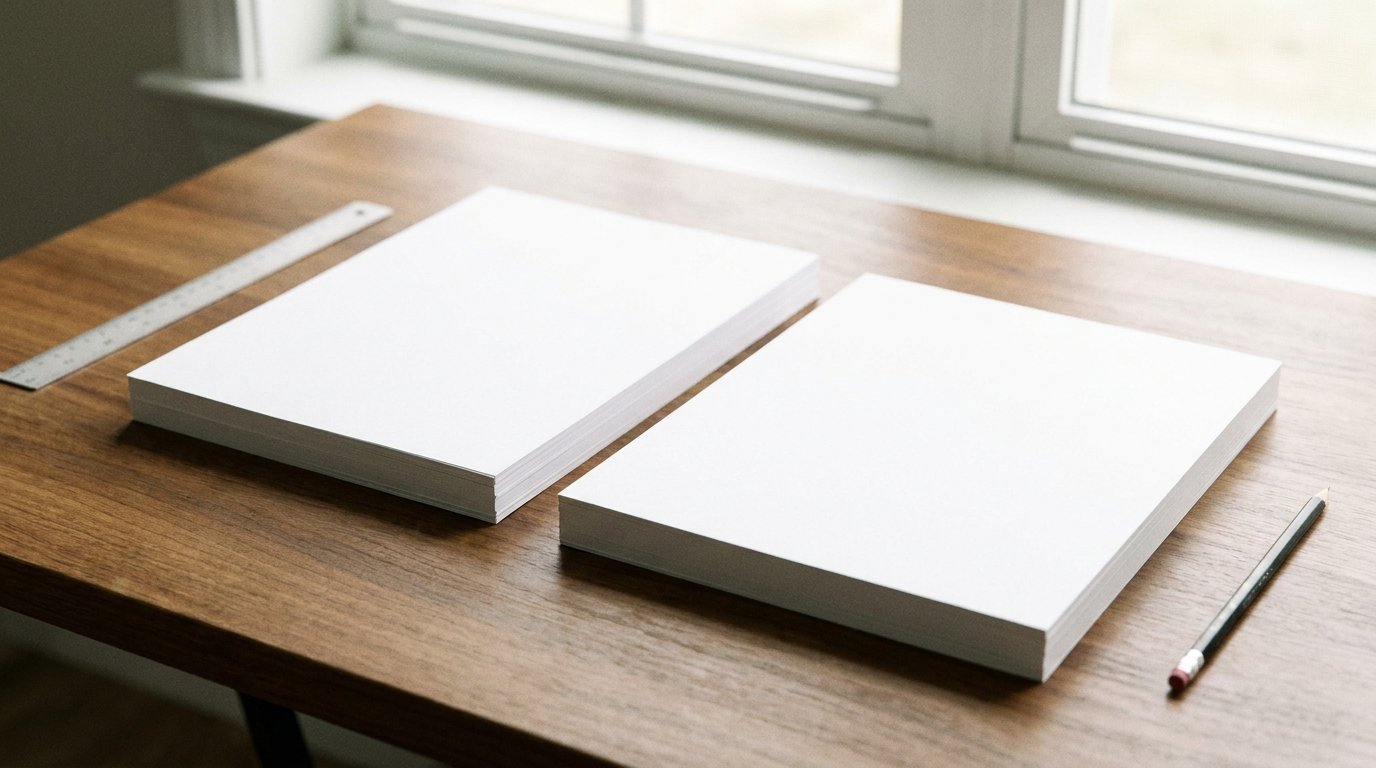
A4 measures 8.27 by 11.69 inches (210 x 297 mm). US Letter measures 8.5 by 11 inches (215.9 x 279.4 mm). A4 is narrower and longer. Letter is wider and shorter.
The total area is nearly identical. But the shape differs enough that a document made for one doesn’t transfer cleanly to the other without reformatting.
Side-by-side dimensions
| A4 | US Letter | |
|---|---|---|
| Width | 8.27 in (210 mm) | 8.5 in (215.9 mm) |
| Height | 11.69 in (297 mm) | 11 in (279.4 mm) |
| Area | 96.7 sq in | 93.5 sq in |
| Aspect ratio | 1 : 1.414 (root 2) | 1 : 1.294 |
| Used in | Most of the world (ISO 216 standard) | US, Canada, parts of Latin America |
The wider ISO A-series, for context
A4 is one step in a sequence. Each size in that sequence is exactly half the area of the size before it.
| Size | Dimensions (mm) | Dimensions (in) | Typical use |
|---|---|---|---|
| A3 | 297 x 420 | 11.69 x 16.54 | Posters, large diagrams, spreadsheets |
| A4 | 210 x 297 | 8.27 x 11.69 | Standard documents, letters |
| A5 | 148 x 210 | 5.83 x 8.27 | Notebooks, flyers, booklets |
| A6 | 105 x 148 | 4.13 x 5.83 | Postcards, index cards |
There’s no US equivalent to this system. Legal (8.5 x 14 in), Tabloid (11 x 17 in), and Letter don’t share a consistent mathematical relationship. The A-series sizes do.
Legal and Tabloid: the other common US sizes
US Legal paper is 8.5 x 14 inches. It shares Letter’s width but runs 3 inches longer. Offices use it mainly for contracts, where the extra length leaves room for more text or signature space.
US Tabloid, also called Ledger, measures 11 x 17 inches. That’s double the area of Letter. Print shops use it for spreadsheets, newsletters, and engineering drawings that need a larger scale.
Neither size has a direct ISO match with the same proportions. A printer loaded for A4 stock and one loaded for Legal need different trays and settings. Mixing them up is a common source of botched print jobs in offices that handle both standards.
Where each size comes from
A4 belongs to the ISO 216 system. The rule behind it is simple. Each A-series size is exactly half the area of the one before it, and every size keeps the same 1:root-2 aspect ratio.
That’s why folding an A4 sheet in half produces an A5 sheet. Two A4 sheets placed side by side make an A3 sheet. The whole family is mathematically self-consistent.
US Letter has no such basis. It grew out of a historical paper-making tradition and was later formalized as a US standard. It doesn’t scale into a related family of sizes the way A4 does. There’s no standard “half a Letter sheet,” the way A5 is half an A4 sheet.
Why this actually matters
Print an A4 document on a Letter printer without adjusting settings, and content near the edges can get cut off. Do the reverse, and you can end up with larger-than-intended margins.
The width gap is small — about 0.2 inches. That’s still enough to matter for a form with fields near the page edge, or an image meant to bleed to the border.
The height gap is more noticeable. A4 runs 0.69 inches taller than Letter. Print a full-page A4 PDF on a Letter tray in the US, and it either loses its bottom margin or gets auto-scaled down. That shrinks every element on the page by a small, easy-to-miss amount.
A concrete case: a resume built for A4 and printed on a US Letter printer without rescaling can push its final line onto a second, mostly blank page. Often that line is the contact footer.
Getting print settings right when the sizes don’t match
Most printer drivers and PDF viewers offer a “fit to page” or “scale to fit” option. It handles the mismatch automatically, but it shrinks or stretches the content rather than preserving the exact dimensions.
For anything where exact size matters — a printable ruler, a to-scale template, a form with signature fields positioned precisely — turn that scaling off. Instead, set the paper size in the print dialog to match the document’s actual page size. That might mean loading a different tray or trimming a sheet down.
Word processors and design tools — Word, Google Docs, InDesign, Illustrator — all let you set page size independently of what paper is physically loaded. The safer habit: match the document’s page size to the paper you’ll print on before you start designing, not after.
Envelope and mailing considerations
A4 and Letter also drive different default envelope standards. The common US business envelope, No. 10, measures 4.125 x 9.5 inches. It’s sized to fit a Letter sheet folded in thirds.
The European equivalent is the C5 envelope, 162 x 229 mm (about 6.38 x 9.02 inches). It’s sized to fit an A4 sheet folded in half. A full, unfolded A4 sheet fits into the larger C4 envelope (229 x 324 mm).
Mixing the two systems causes real problems. Mail a US-formatted letter using a C5 envelope sized for A4, for example, and the folded sheet won’t sit flush. It either binds against the fold or leaves an awkward gap.
Digital defaults: why this still matters in a paperless world
Even documents that never get printed inherit these standards. Word processors, PDF exporters, and browsers all need a default page size to lay out content on screen.
Software built primarily for the US market — many Microsoft and Adobe products, out of the box — defaults new documents to Letter. Software developed for European and international markets defaults to A4.
That’s why a Word document created under US regional settings can look subtly different on a machine set to a European locale — different margins, different page breaks. That happens even if nobody involved ever plans to print it.
Which one should you use?
If you’re producing something for an international or non-US audience, A4 is the safer default. It’s the standard across Europe, Asia, Africa, and most of the rest of the world under ISO 216.
For anything staying within the US, Canada, or a few other Letter-standard regions, Letter is what local printers, copiers, and templates already expect. The Philippines and parts of Latin America use Letter in some contexts too.
When you genuinely don’t know your audience, A4 is the statistically safer bet. More of the world’s printers are already set up for it.
Frequently Asked Questions
Can I print an A4 document on Letter paper?
Yes. Most software scales it automatically, but the proportions won’t match exactly. Expect either slightly larger margins or slightly reduced content size, depending on your print settings.
Is A4 bigger or smaller than Letter?
A4 has slightly more total area — 96.7 sq in versus 93.5 sq in for Letter. But the shapes differ enough that “bigger” depends on which dimension you care about. A4 is taller and narrower; Letter is shorter and wider.
What size is A3 compared to A4?
A3 is exactly double A4’s area. Picture two A4 sheets side by side — that’s an A3 sheet, at 11.69 x 16.54 inches.
Why does the US still use Letter instead of switching to A4?
Mostly inertia. Letter predates the ISO 216 standard, which was formalized internationally in 1975, and it was already embedded in US manufacturing, office equipment, and legal formatting. Switching would mean replacing printers, filing systems, and templates industry-wide for a benefit that’s mostly about international compatibility.
Is Legal size the same width as Letter?
Yes — both are 8.5 inches wide. Legal is only longer, at 14 inches instead of 11. That’s why a Legal-formatted document loaded into a Letter tray gets its bottom section cut off rather than squeezed sideways.
Does A4 or Letter have more usable space for a typical one-page resume?
A4 has slightly more total area: 96.7 versus 93.5 square inches. For a typical single-page document, though, the practical difference is negligible. Margins and formatting choices affect usable space far more than the roughly 3% area gap between the two standards.